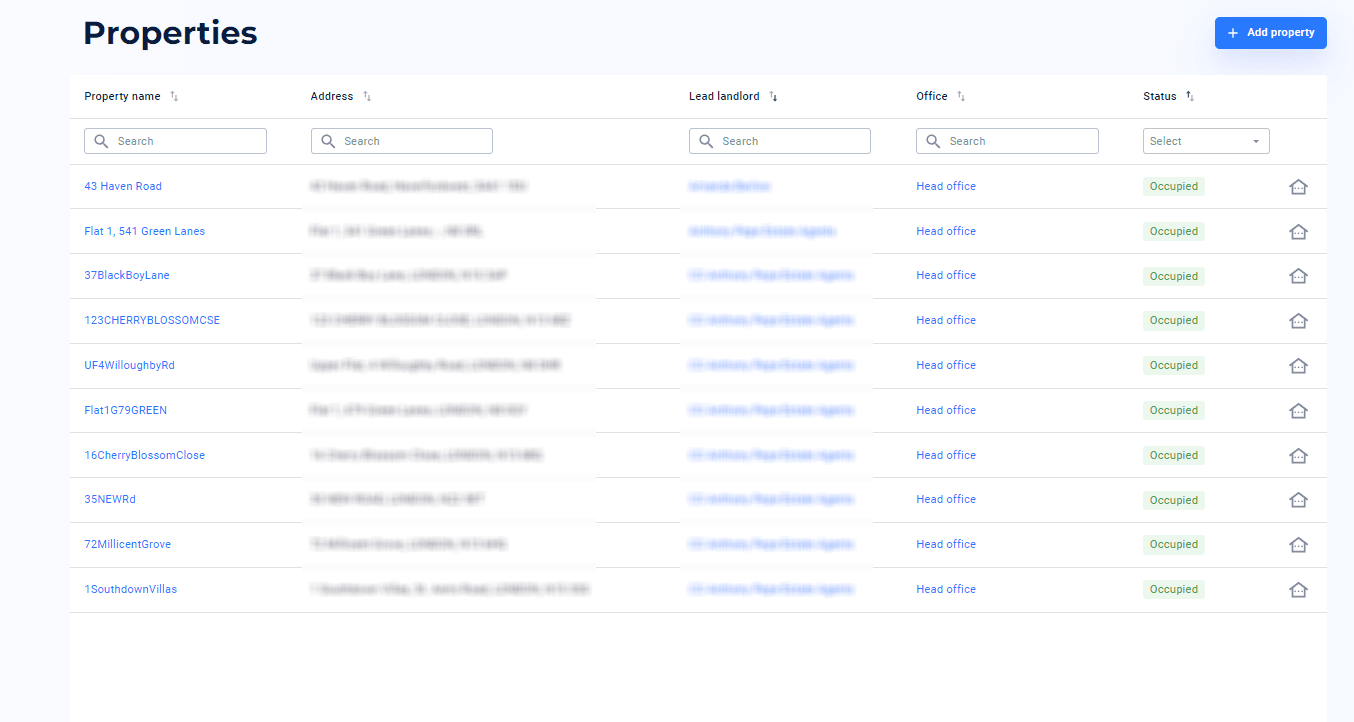
5. Click the 'Add property' button at the bottom and your landlord will be invited to create their account
6. Now, select 'Add tenancy' at the top right hand corner
7. Enter the tenancy details including tenancy name (optional), rent amount and tenancy start date, then click ‘Next’. The deposit amount will be automatically calculated in line with five/six weeks rental cap in England. You can customise this amount by clicking ‘Set customer deposit’ (in blue)
8. Enter the tenant details (name, email and mobile number) and click ‘Next’